'%3E%3Cpath d='M0,0 v30 h60 v-30 z' fill='%23012169'/%3E%3Cpath d='M0,0 L60,30 M60,0 L0,30' stroke='%23fff' stroke-width='6'/%3E%3Cpath d='M0,0 L60,30 M60,0 L0,30' clip-path='url(%23t)' stroke='%23C8102E' stroke-width='4'/%3E%3Cpath d='M30,0 v30 M0,15 h60' stroke='%23fff' stroke-width='10'/%3E%3Cpath d='M30,0 v30 M0,15 h60' stroke='%23C8102E' stroke-width='6'/%3E%3C/g%3E%3C/svg%3E)


SavedVids - Social Video DownloadHelper

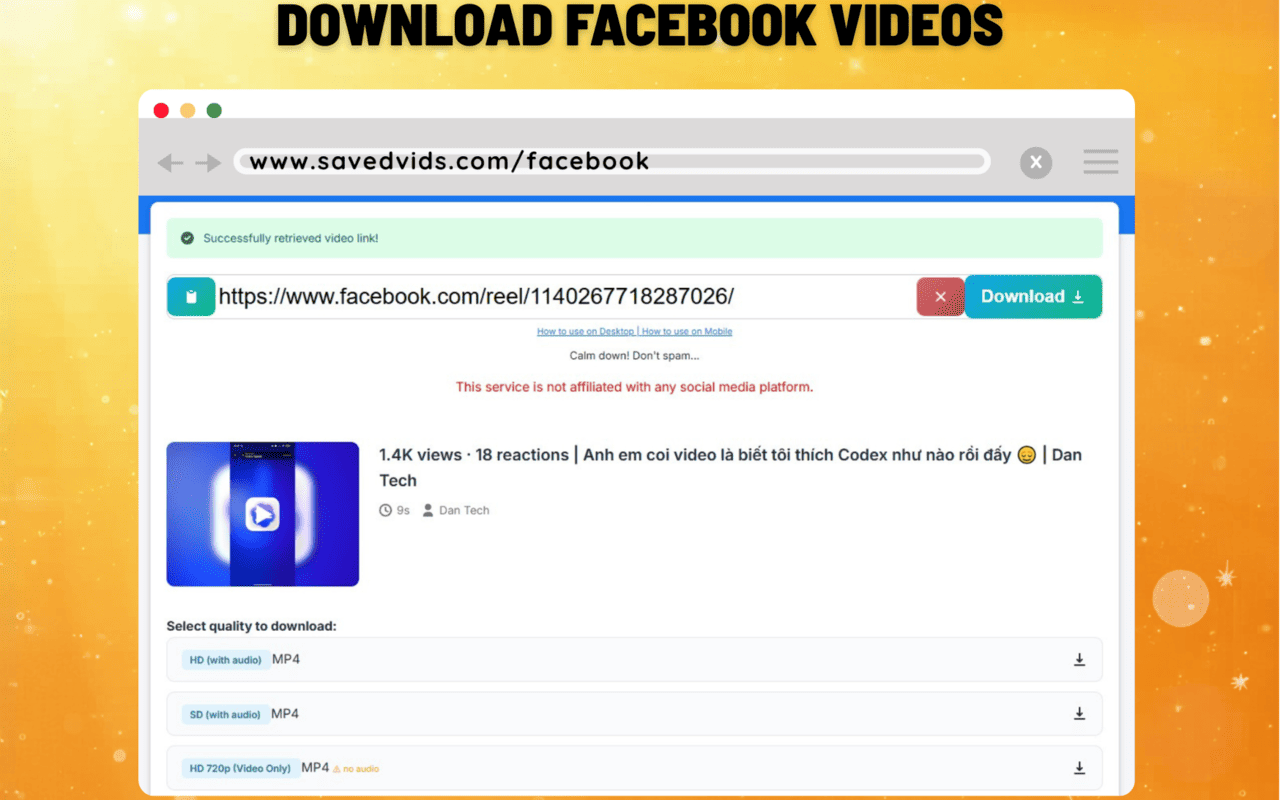
SavedVids Extension lets you download videos from YouTube, Facebook, TikTok, X (Twitter), Instagram, Pinterest, and more with just one click in your browser — no need to manually copy the link.
Download and installation guide
Open the Chrome Web Store
Click the Install SavedVids Now button above, or search for “SavedVids” on the Chrome Web Store.
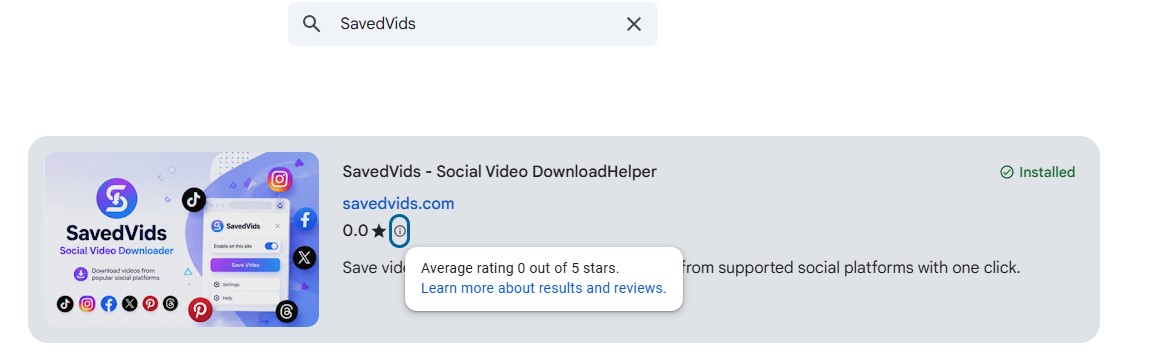
Click “Add to Chrome”
Select Add to Chrome → confirm Add extension in the dialog box that appears.

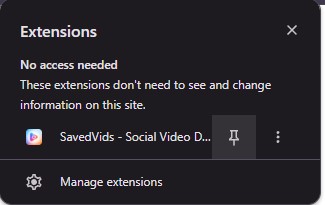
Pin extension
Click the puzzle piece icon on the toolbar, then pin SavedVids for quick access.
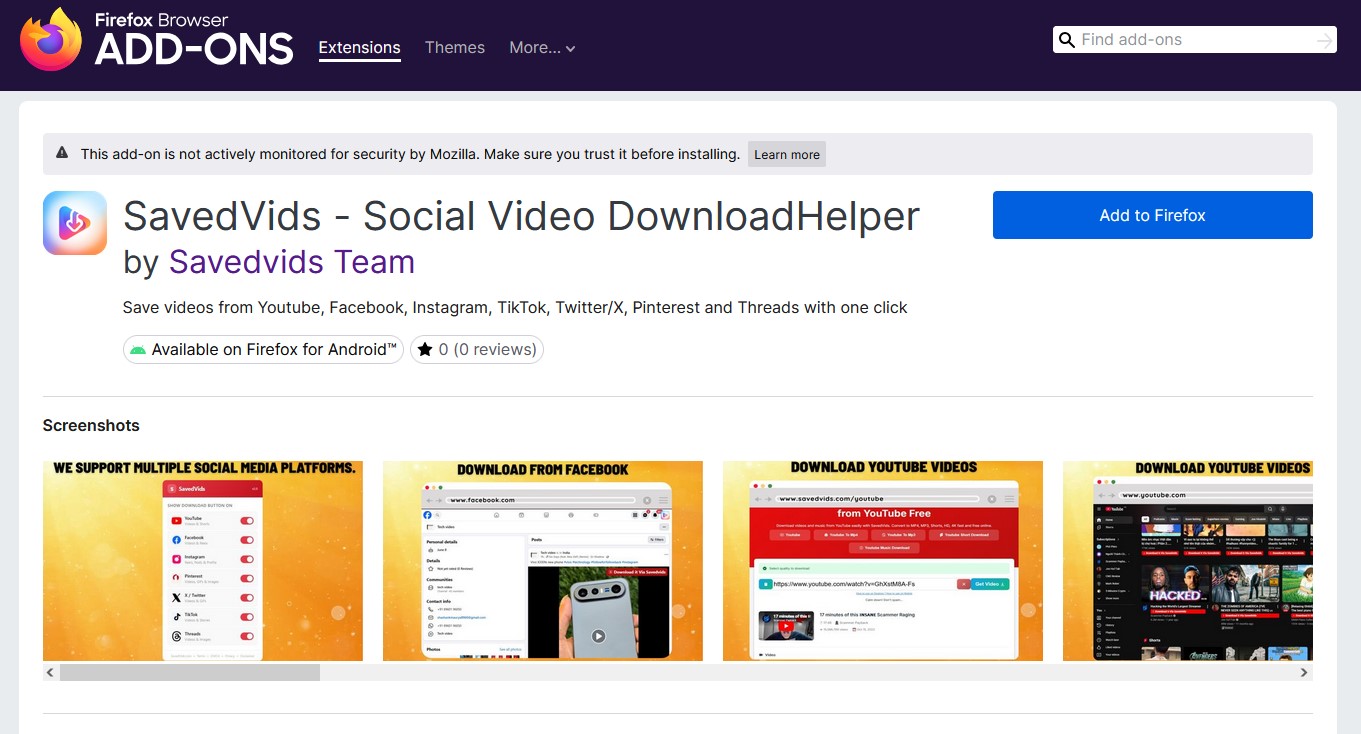
Search Savedvids on Firefox Add-ons
Search for the keyword "savedvids" in the search bar of the Firefox Add-ons (addons.mozilla.org).

Select “Add to Firefox”
Select Add to Firefox →
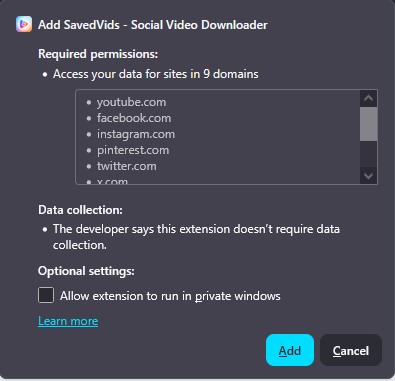
Confirm “Add”
Confirm Add when prompted.
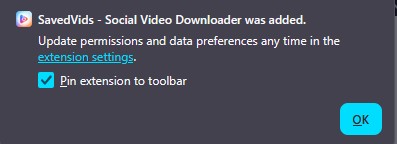
Pin extension
Right-click on the SavedVids icon and select "Pin to toolbar".
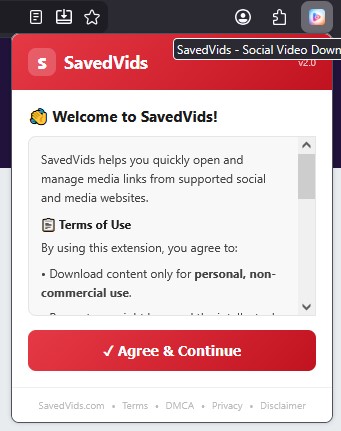
Confirm Agree & Continue
Read the terms and conditions and click agree to use the service.
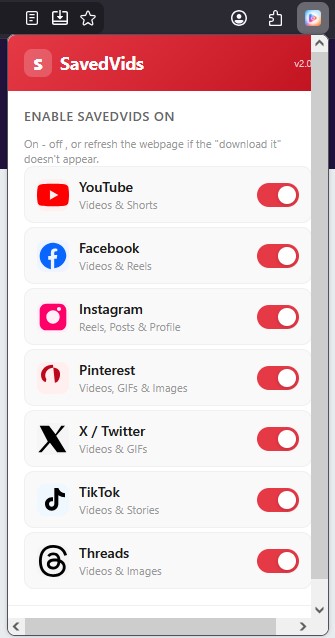
Enable SavedVids
Turn the download button on or off.
How to use
Open the video you want to download
Access the page with the video on YouTube, Facebook, TikTok, Instagram, X, or Pinterest.
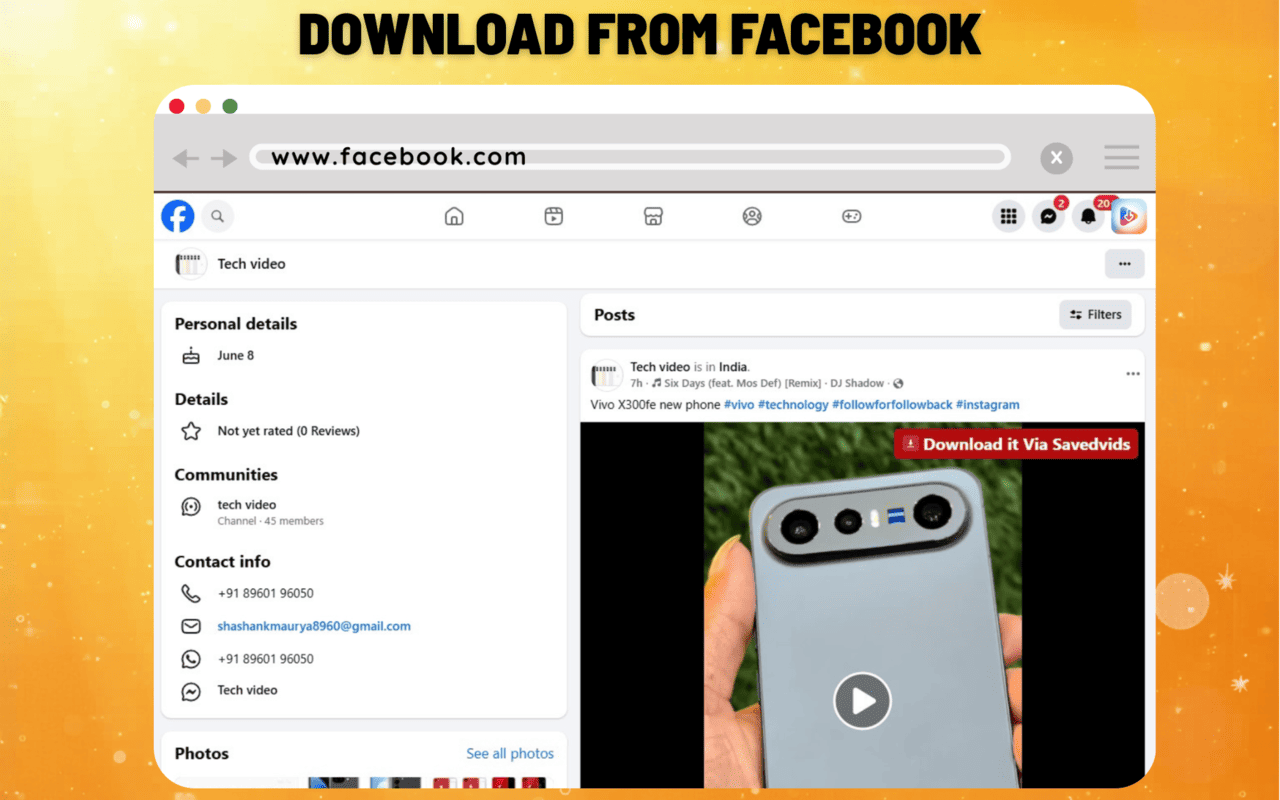
Click the Download icon on each savedvids video
On the video page, click the SavedVids button that appears near the video, or click the extension icon in the toolbar.
Choose quality & download
Select the resolution (HD/SD, with/without TikTok logo) and then press Download. The video will be saved to your device.